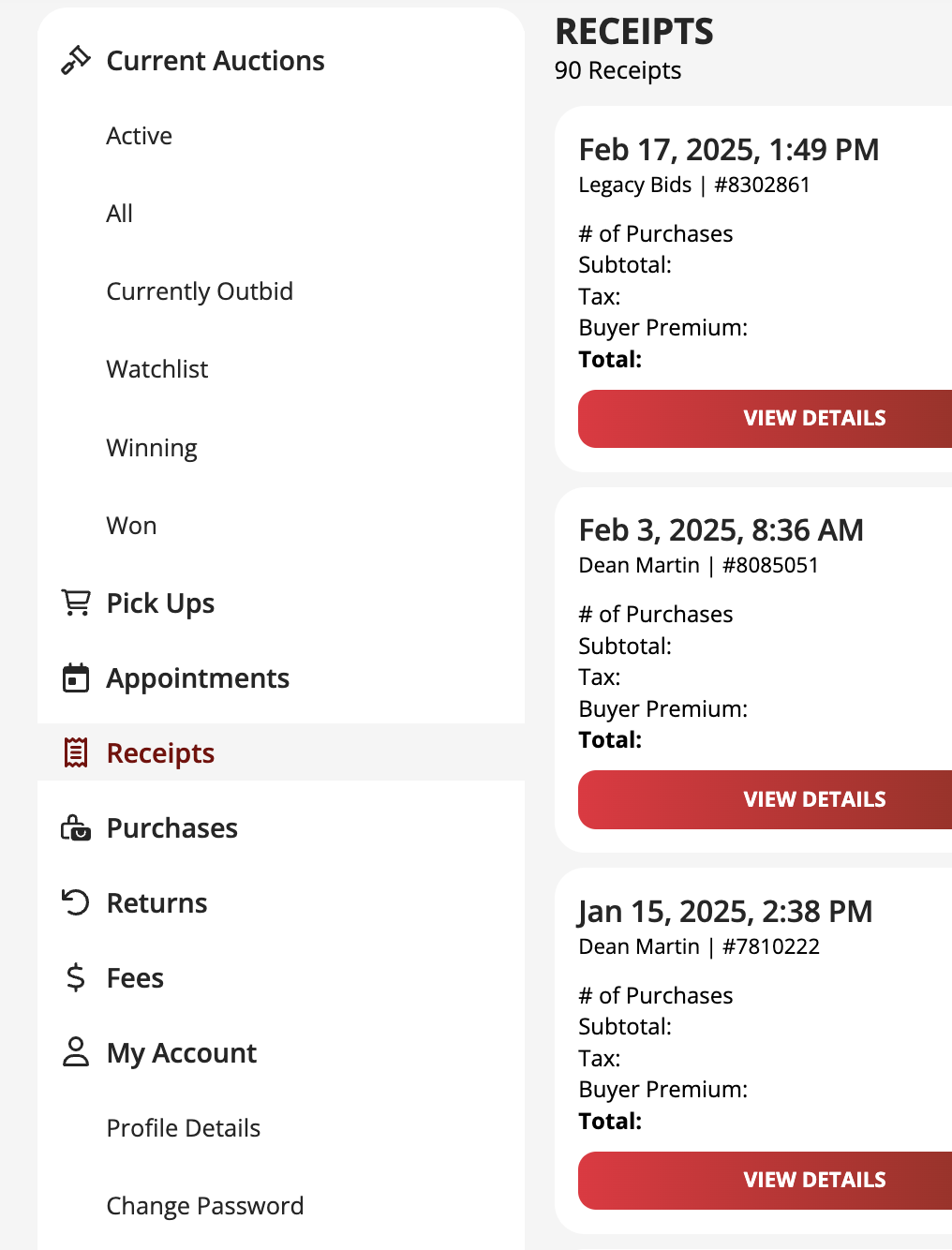
You can view and print your receipts online. Simply:
- Log in to your Nellis Auction account.
- Navigate to ACCOUNT > RECEIPTS.
- Select VIEW DETAILS for the receipt you need.
- Print it from your device.
We are a paperless company and do not provide physical receipts.
Was this article helpful?
That’s Great!
Thank you for your feedback
Sorry! We couldn't be helpful
Thank you for your feedback
Feedback sent
We appreciate your effort and will try to fix the article