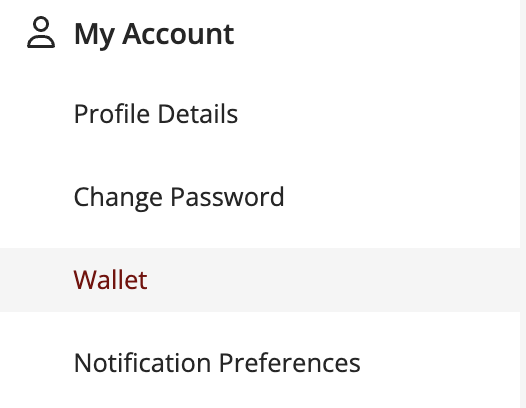
To add or update your payment method, go to your account page and select “Wallet.” From there, you can manage your saved payment options.
Was this article helpful?
That’s Great!
Thank you for your feedback
Sorry! We couldn't be helpful
Thank you for your feedback
Feedback sent
We appreciate your effort and will try to fix the article